Power Win App Download for Android: APK Install Guide and Common Errors
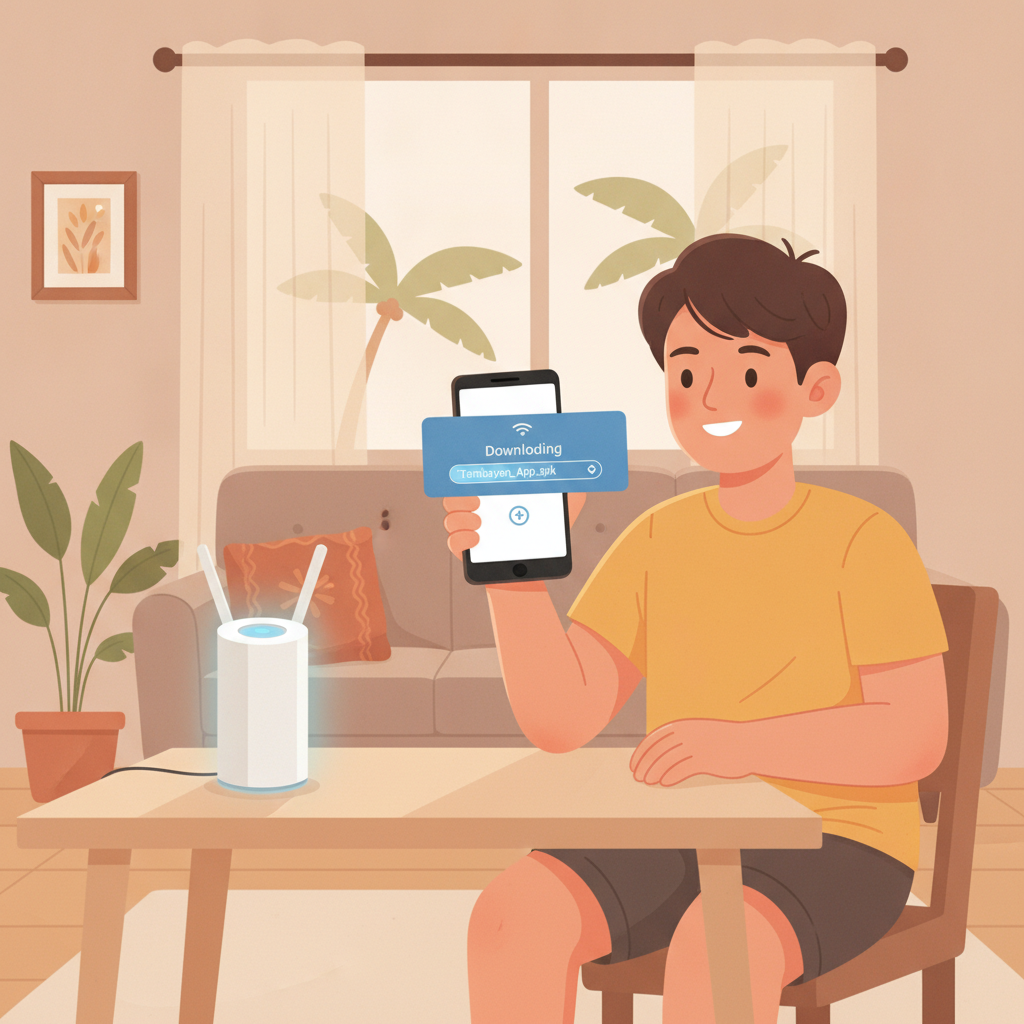
Where to Find the Official Power Win Android APK File
Power Win does not distribute its Android app through Google Play Store. Filipino players must download the APK file directly from the Power Win website.
Open your mobile browser—Chrome, Firefox, or your default Android browser—and visit the official Power Win site. Look for a banner or button labeled "Download App" or "Android APK" near the top of the homepage or in the main menu. Tap it to begin the download.
The APK file size is typically between 80 and 120 MB, depending on the current version. Check your data plan or use Wi-Fi if you want to avoid mobile data charges. The download should start immediately and appear in your notifications tray.
Do not download Power Win APK files from third-party app stores, Telegram groups, or file-sharing sites. Only use the link provided on the official Power Win domain. Unofficial APK files may contain malware, outdated software, or login phishing traps.
If you are already logged in to Power Win on your mobile browser, you can also find the download link inside your account dashboard. Some players report seeing a persistent "Get the App" prompt at the bottom of the screen when browsing on Android.
Save the file name and location. Most Android phones save APK downloads to the "Downloads" folder by default, but Samsung and other manufacturers may use a different path.
Enabling 'Install from Unknown Sources' on Your Phone
Android blocks APK installations from outside Google Play Store by default. You must grant permission to your browser or file manager before the Power Win app will install.
The exact steps vary by Android version:
Android 8.0 and newer:
- After the Power Win APK finishes downloading, tap "Open" in your notification tray.
- Android will show a pop-up: "For your security, your phone is not allowed to install unknown apps from this source."
- Tap "Settings" in that message.
- Toggle on "Allow from this source." (This permission applies only to the browser or app you used to download the file—Chrome, Firefox, or your file manager.)
- Press the back button to return to the install screen.
Android 7.1 and older:
- Go to Settings > Security (or Settings > Lock screen and security on Samsung).
- Scroll down and enable Unknown sources.
- Read the warning, then tap "OK."
You will see a caution that installing apps from unknown sources can harm your device. This warning is standard for all APK files. As long as you downloaded the file directly from Power Win's official site, the risk is minimal.
Once the setting is enabled, you can proceed with installation. Some devices will ask you to confirm this permission each time you install a new APK. You do not need to leave the setting turned on permanently—disable it again after installing Power Win if you prefer.
Step-by-Step APK Installation Walkthrough
Once you have enabled installation from unknown sources, follow these steps to install the Power Win app on your Android phone:
- Locate the downloaded APK file.
Open your file manager or tap the notification that says "Download complete." The file will be named something likePowerWin.apkorPowerWin_v2.1.apk. - Tap the APK file.
A screen titled "Do you want to install this application?" will appear, showing the app name and the permissions Power Win requests (camera, storage, phone state, etc.). - Review permissions.
Power Win requests access to storage (to cache game assets), phone state (to pause games during calls), and camera (for ID verification during withdrawal). These are standard for casino apps in the Philippines. - Tap "Install."
The installation process takes 10 to 30 seconds. You will see a progress bar. - Wait for "App installed" confirmation.
When complete, you will see two buttons: "Open" and "Done." Tap "Open" to launch Power Win immediately, or "Done" to finish and open it later from your home screen or app drawer. - Log in with your existing credentials.
The app will load the Power Win login screen. Enter your registered mobile number or email and password. If you use GCash or Maya for deposits, you may be asked to verify your e-wallet account again inside the app.
The Power Win app icon will now appear on your home screen or in your app drawer. You can delete the APK file from your Downloads folder—it is no longer needed once the app is installed.
Fixing 'App Not Installed' and 'Parse Error' Messages
Some Filipino players encounter errors during Power Win APK installation. Here are the most common problems and solutions:
"App not installed" Error
Cause 1: Conflicting or corrupted previous installation.
If you previously installed an older version of Power Win, or if a past installation failed halfway, Android may refuse to install the new APK.
Fix:
Go to Settings > Apps > Power Win (or Application Manager on older devices). Tap "Uninstall" or "Clear data," then restart your phone and try installing the APK again.
Cause 2: Insufficient storage space.
The Power Win app requires at least 200 to 300 MB of free space after installation (the APK itself is smaller, but Android needs room to unpack files).
Fix:
Delete unused apps, clear your browser cache, or move photos and videos to Google Photos or an SD card. Check available storage in Settings > Storage.
Cause 3: SD card or external storage conflict.
Some Android phones try to install apps to an SD card by default, which can cause errors with APK files.
Fix:
Go to Settings > Storage and set "Install location" to "Internal storage" or "Let the system decide." Remove the SD card temporarily, install Power Win, then reinsert it.
"Parse Error: There was a problem parsing the package"
Cause 1: Incomplete or corrupted APK download.
If your mobile data connection dropped mid-download, the APK file may be incomplete.
Fix:
Delete the APK from your Downloads folder, clear your browser cache, and download the Power Win APK again. Use a stable Wi-Fi connection if possible.
Cause 2: APK not compatible with your Android version.
Power Win's app typically supports Android 5.0 (Lollipop) and newer. Very old phones running Android 4.4 or earlier may not be compatible.
Fix:
Check your Android version in Settings > About phone > Android version. If you are running an unsupported version, you will need to use the mobile web version of Power Win in your browser instead of the app.
Cause 3: APK file renamed or moved incorrectly.
If you renamed the file or transferred it from another device via Bluetooth or USB, the file signature may be broken.
Fix:
Download the APK fresh from the Power Win website on the device where you plan to install it. Do not rename the file or transfer it between phones.
Other Installation Issues
- "For security, your phone is set to block installation of apps obtained from unknown sources."
You skipped the "Unknown sources" step. Return to the section above and enable that permission in Settings. - "Do you want to update this existing application?"
You already have Power Win installed. Tap "Update" to replace the old version with the new one. Your login details and game history will remain intact. - App installs but crashes immediately on launch.
Restart your phone, clear Power Win's cache in Settings > Apps > Power Win > Storage > Clear cache, and try again. If the crash persists, uninstall and reinstall the APK.
If none of these solutions work, contact Power Win support through their live chat or Viber helpline. Include your phone model and Android version when describing the error.
Responsible Gambling Reminder: 21+ Only
Power Win is for players aged 21 and older. Online casino and sports betting can be entertaining, but always bet within your means.
Set a monthly budget in pesos before you play. Use only money you can afford to lose, not funds meant for bills, tuition, or family expenses. If you feel gambling is affecting your daily life, take a break or seek help from a responsible gambling support service.
Power Win offers self-exclusion and deposit limit tools in the account settings. Use them if you need to control your playtime or spending.
Gamble responsibly and stay in control.