Power Win GCash Withdrawal: Step-by-Step Guide to Cash Out Your Winnings
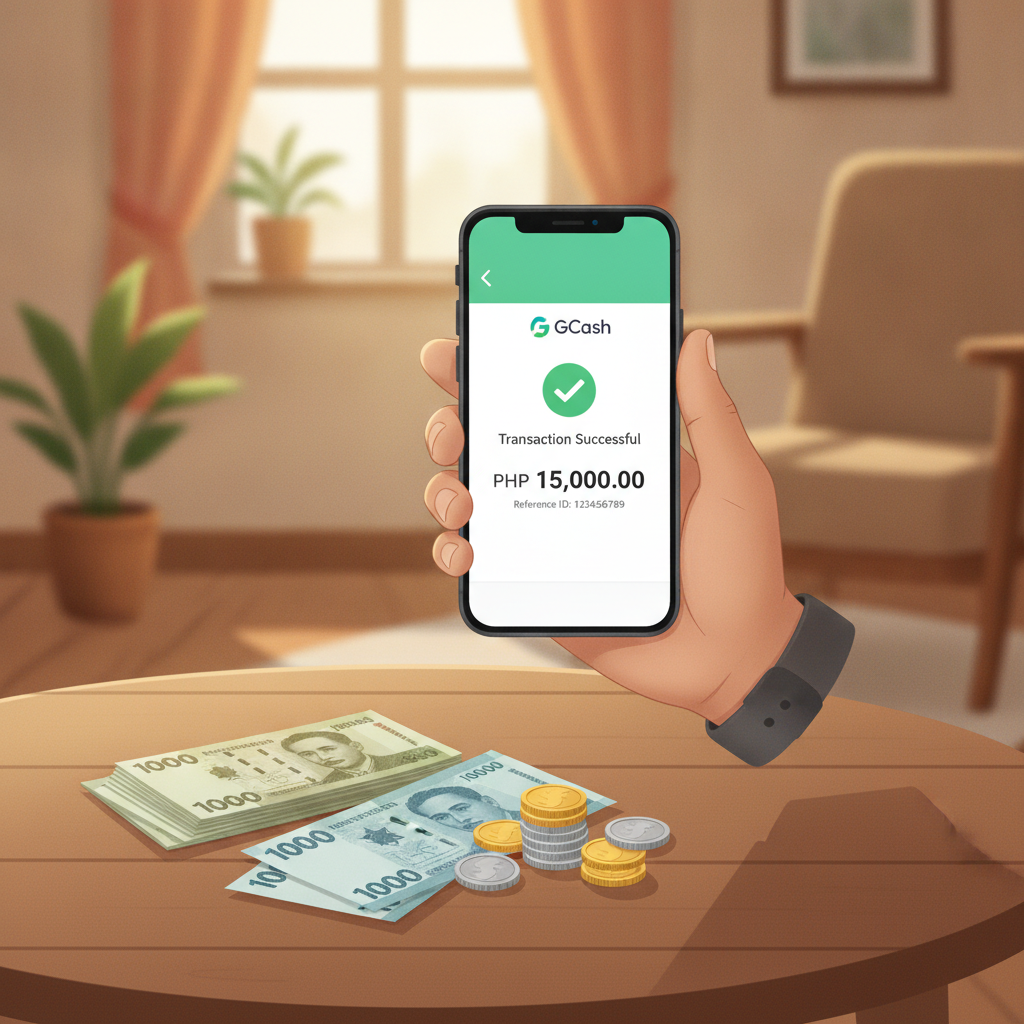
Power Win GCash Withdrawal: Step-by-Step Guide to Cash Out Your Winnings
Cashing out winnings from Power Win to your GCash wallet is straightforward when you know the steps. This guide walks through the Power Win GCash withdrawal process, covers daily limits, and shows how to fix common errors that block cashouts.
How to Navigate to the Withdrawal Page and Select GCash
To start a Power Win withdrawal to GCash, log into your account on the mobile app or website. Look for the Cashier, Wallet, or Withdrawal button—usually found in the top-right menu or bottom navigation bar on mobile.
Once inside the cashier section, tap Withdraw or Cash Out. Power Win will display a list of available withdrawal methods. Select GCash from the e-wallet options.
Some players report seeing GCash grouped under an "E-Wallets" or "Quick Cash" category. If you don't see GCash listed, check that your account has completed ID verification and that you've made at least one successful deposit using GCash. Power Win typically requires players to withdraw using the same method they deposited with, especially for the first few cashouts.
Entering Your Verified GCash Mobile Number and Amount
After selecting GCash, Power Win will prompt you to enter two pieces of information:
- GCash mobile number – This must be the 11-digit number registered to your GCash account (format: 09XXXXXXXXX).
- Withdrawal amount – Enter the amount in Philippine pesos you want to cash out.
Important: The GCash mobile number you enter must match the name on your verified Power Win account. If the account name on Power Win is "Juan Dela Cruz," the GCash wallet must also be registered to Juan Dela Cruz. Mismatches trigger "account mismatch" errors and rejected cashouts.
Double-check the mobile number before confirming. A single wrong digit sends your money to someone else's wallet, and Power Win cannot reverse completed GCash transfers.
Most players can withdraw any amount above the minimum (usually PHP 100 or PHP 200) up to the daily limit. If your balance includes bonus money that hasn't met wagering requirements, Power Win will show only the withdrawable cash balance.
After entering your details, review the summary screen. It should display:
- Withdrawal method: GCash
- Mobile number: 09XXXXXXXXX
- Amount: PHP X,XXX
- Processing time estimate (typically 5 minutes to 24 hours)
Tap Confirm or Submit to send the request to Power Win's payment team.
Daily and Per-Transaction Withdrawal Limits for GCash
Power Win sets withdrawal limits to manage fraud risk and comply with payment processor rules. Limits vary by account status, but typical thresholds for GCash cashouts are:
- Minimum withdrawal: PHP 100 or PHP 200
- Maximum per transaction: PHP 10,000 to PHP 50,000
- Daily limit: PHP 50,000 to PHP 100,000
New or unverified accounts often face tighter limits—sometimes PHP 5,000 per day until ID verification is complete. VIP or high-roller players may negotiate higher limits with customer support.
If you need to withdraw more than the per-transaction cap, split the amount into multiple requests. For example, if your limit is PHP 10,000 per transaction and you want to cash out PHP 25,000, submit three separate withdrawals: PHP 10,000, PHP 10,000, and PHP 5,000. Just stay within the daily total limit.
Processing times for Power Win GCash withdrawals usually range from 5 minutes to 24 hours. Most cashouts arrive within 1 to 3 hours during business hours (Monday to Friday, 9 AM to 6 PM Philippine time). Requests submitted late at night or on weekends may take longer.
GCash itself does not charge a fee to receive money, but Power Win may deduct a small processing fee (commonly PHP 15 to PHP 25) depending on your account tier and withdrawal frequency. Check the confirmation screen for any listed fees before finalizing.
Troubleshooting 'Account Mismatch' and Failed GCash Cashouts
Account Mismatch Error
The most common reason a Power Win GCash withdrawal fails is an "account mismatch" or "name verification failed" message. This happens when:
- The name on your Power Win account does not match the GCash account holder's name.
- You entered a GCash number registered to a family member or friend.
- Spelling differences exist (e.g., "Maria" on Power Win vs. "Ma. " on GCash).
How to fix it:
- Log into your GCash app and tap your profile icon to confirm the exact registered name.
- Compare it character-by-character with the name on your Power Win account (check under Account Settings or Profile).
- If the names don't match, contact Power Win customer support via live chat or the in-app help button. Provide a photo of your valid ID and a screenshot of your GCash profile showing your name and number.
- Power Win's support team will update your account name or guide you through re-verification. This process typically takes 1 to 3 business days.
Some players use a nickname or shortened name when they register. Power Win requires the full legal name that appears on your government-issued ID and GCash account.
Withdrawal Pending for More Than 24 Hours
If your Power Win withdrawal to GCash stays "pending" beyond 24 hours:
- Check your transaction history in the Power Win cashier to see if the status changed to "processing" or "completed."
- Look for an email or SMS from Power Win. They sometimes request additional verification documents for larger cashouts.
- Verify your GCash number is correct. Log back into the cashier and review the number you entered.
- Contact Power Win support through live chat, email, or the app's help section. Have your transaction ID or reference number ready (visible in your withdrawal history).
Delays beyond 24 hours are uncommon but can occur during high-volume periods (e.g., after major sports events or big jackpot wins) or if Power Win flags the account for routine security checks.
"Insufficient Funds" or "Withdrawal Failed" Message
This error means the system detected a problem with the amount:
- You tried to withdraw bonus funds that haven't met wagering requirements. Only cash balance can be withdrawn.
- You entered an amount below the minimum or above the per-transaction limit.
- A previous withdrawal is still processing, temporarily locking part of your balance.
How to fix it:
- Refresh your balance in the app.
- Try withdrawing a smaller amount (e.g., PHP 500 instead of PHP 5,000).
- Wait until any pending withdrawals are completed, then resubmit.
Wrong GCash Number Entered
If you realize you entered the wrong mobile number before the withdrawal is marked "completed," contact Power Win support immediately. They may be able to cancel the request.
Once Power Win sends the funds to GCash and the transaction shows "completed," the transfer cannot be reversed. If the number belongs to another person, you'll need to contact that person directly or file a dispute with GCash customer service—but recovery is not guaranteed.
GCash Wallet Limit Reached
GCash wallets have monthly incoming limits:
- Basic (unverified) GCash: PHP 100,000 per month
- Fully verified GCash: PHP 500,000 per month
If you've received PHP 100,000 already this month on a basic account, new credits will be rejected until the next calendar month or until you upgrade to fully verified status (requires uploading a valid ID in the GCash app).
Check your GCash transaction history to see your current monthly total. If you're near the limit, consider withdrawing to Maya or a bank account via InstaPay instead.
Responsible Gambling Reminder
Power Win is intended for players aged 21 and over only. Gambling should be entertainment, not a way to make money or solve financial problems.
If you find yourself chasing losses, borrowing money to play, or spending more time and money than planned, take a break. Power Win offers self-exclusion and deposit limit tools in the account settings. You can also reach out to the National Center for Mental Health crisis hotline (0917-899-USAP or 0917-899-8727) or local support groups for confidential help.
Set a budget before you play, and never withdraw rent money, bill payments, or emergency savings to gamble. Cashouts should feel like a bonus, not a necessity.
Need help with other payment methods or app issues? This site also covers Power Win withdrawal times for Maya and bank transfers, Android APK download steps, and login troubleshooting. All guides are written for Filipino players managing real-money accounts on mobile.