Power Win iOS App: Can iPhone Users Download It and What Are the Alternatives?
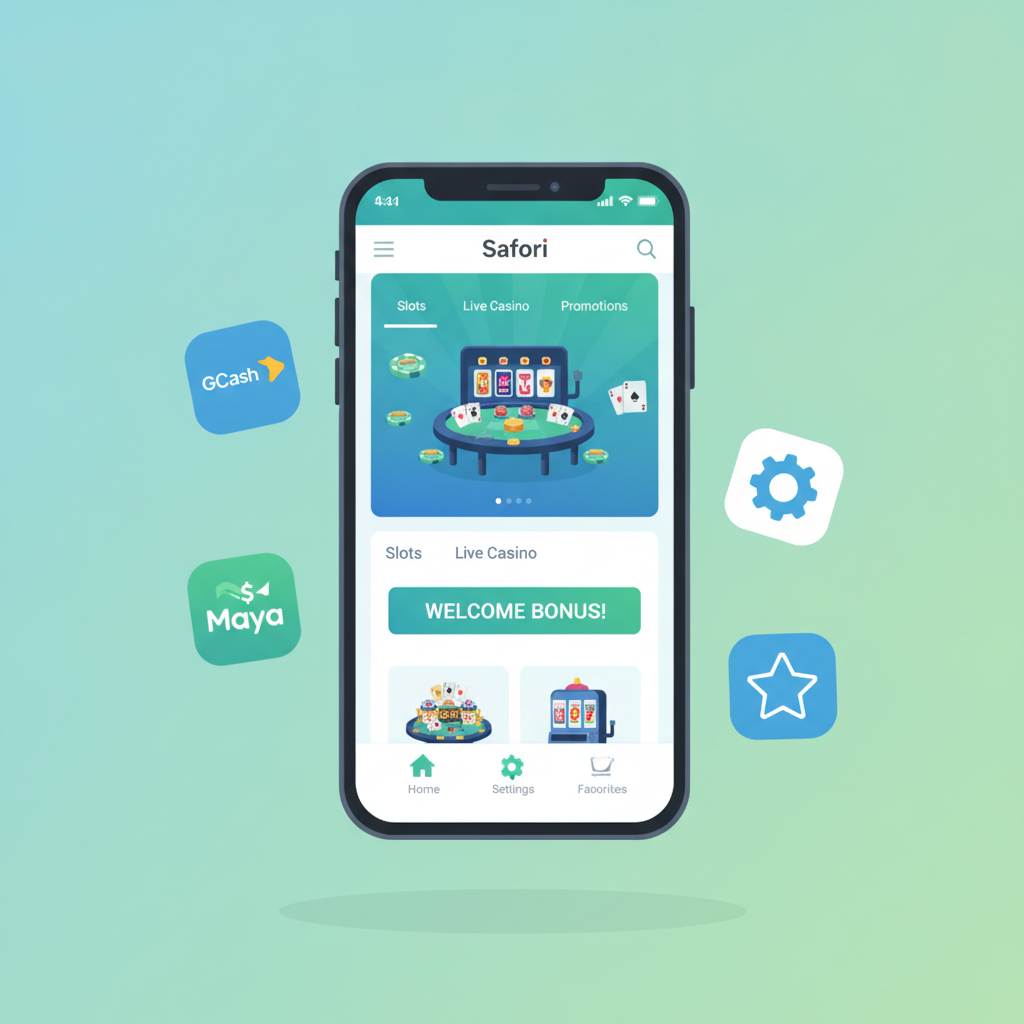
Current Availability of Power Win on the Apple App Store
As of now, Power Win does not offer a dedicated iOS app through the official Apple App Store. Players searching for "Power Win" in the App Store will not find a native iPhone or iPad application to download.
This is common among online casino and sportsbook operators serving the Philippine market. Apple enforces strict guidelines that prohibit real-money gambling apps in the App Store for most regions, including the Philippines. While Android users can install the Power Win APK directly from the operator's website, iPhone users must rely on a different approach.
Power Win has not published any timeline for an iOS app release. Given Apple's policy restrictions, the platform focuses its mobile strategy on a browser-based solution that works across all devices without requiring App Store approval.
Using the Mobile-Optimized Web App in Safari as an Alternative
iPhone users can access the full Power Win platform through Safari or any iOS browser. The operator maintains a mobile-optimized web app that adjusts to smaller screens and touch navigation.
To use Power Win on an iPhone:
- Open Safari (or your preferred iOS browser)
- Navigate to the official Power Win website
- Log in with your existing username and password
- The site automatically loads the mobile layout
The mobile web version displays the same game library, live dealer tables, and sportsbook markets available on the Android app. Players can browse slots, place bets on PBA and NBA games, and access bingo rooms without installing anything.
Page load times depend on your mobile data or Wi-Fi connection. LTE and 5G networks in Metro Manila and most provincial cities deliver smooth performance for live dealer streams and sports betting. Slower 3G connections may require a few extra seconds to load high-resolution game graphics.
Safari's built-in security features protect your login credentials and payment data. The browser supports the same encryption standards used by banking apps, so GCash and Maya transactions remain secure.
How to Add a Power Win Home-Screen Shortcut on iOS
Creating a home-screen shortcut gives iPhone users one-tap access to Power Win without opening Safari and typing the URL each time.
Step-by-step shortcut setup:
- Open Safari and go to the Power Win website
- Tap the Share icon at the bottom of the screen (a square with an arrow pointing up)
- Scroll down the share menu and select "Add to Home Screen"
- Edit the shortcut name if desired (default is usually the site name)
- Tap "Add" in the upper-right corner
The Power Win icon now appears on your home screen alongside other apps. Tapping it launches Safari in full-screen mode, hiding the browser toolbar and address bar. The experience feels similar to using a native app.
Shortcut limitations to note:
- The shortcut opens a Safari session, not a standalone app. If you clear Safari's browsing data, you may need to log in again.
- Notifications do not work the same way as native apps. You will not receive push alerts for bonus offers or bet settlements unless you have the site open.
- The shortcut does not appear in the App Store's update queue. Changes to the Power Win platform happen on the server side and apply automatically when you load the site.
This method works on all iPhones running iOS 13 or newer. Older devices on iOS 12 or earlier can still access Power Win through Safari but may experience slower performance on graphics-heavy slots.
Login and Payment Functionality Differences Between Android APK and iOS Web App
Power Win delivers the same core features on both Android and iOS, but there are practical differences in how login sessions and payment integrations behave.
Login and Session Management
Android APK users stay logged in until they manually sign out or clear the app's cache. The native app stores session tokens locally, so opening the app reconnects without re-entering credentials.
iPhone users relying on Safari depend on browser cookies and cached data. If you enable Safari's "Prevent Cross-Site Tracking" or "Block All Cookies" settings, Power Win may ask you to log in more frequently. Clearing Safari's history and website data also signs you out.
For smoother access on iOS, adjust Safari settings:
- Go to Settings > Safari
- Ensure "Block All Cookies" is turned off
- Keep "Prevent Cross-Site Tracking" enabled (this protects privacy without breaking most logins)
Using Safari's AutoFill feature speeds up login. Go to Settings > Passwords > AutoFill Passwords, and Safari will offer to fill your Power Win username and password automatically.
GCash and Maya Deposits
GCash and Maya integration works on both platforms, but the payment flow differs slightly.
On the Android APK, tapping the GCash or Maya deposit button may open the e-wallet app directly if installed. Users authenticate with their PIN or biometrics, confirm the PHP amount, and return to Power Win to see the credited balance.
On iOS, the Power Win web app redirects to the GCash or Maya mobile site in Safari. You log in through the browser, approve the transaction, and the page redirects back to Power Win. This adds an extra step but functions reliably once you have saved your e-wallet login details in Safari's password manager.
Both methods credit deposits within seconds during normal operating hours. Late-night transactions occasionally take a few minutes if the payment gateway experiences high volume.
InstaPay and PESONet Bank Transfers
Bank transfer deposit and withdrawal forms work identically on Android and iOS. Players enter their bank account details, select InstaPay (real-time) or PESONet (next banking day), and submit the request.
iPhone users can take advantage of Safari's AutoFill to store bank account numbers, saving time on repeat transactions. Go to Settings > Safari > AutoFill, enable "Contact Info," and Safari will suggest saved details when you fill out forms.
Withdrawal Processing Times
Power Win withdrawal processing is handled on the operator's backend, so approval times are the same whether you submit the request from an Android APK or an iPhone browser.
Typical withdrawal timelines:
- GCash: 5 minutes to 2 hours after approval
- Maya: 5 minutes to 2 hours after approval
- InstaPay: 5 minutes to 2 hours after approval (real-time bank transfer)
- PESONet: Next banking day after approval (banks process overnight)
Approval itself usually takes 1 to 24 hours, depending on account verification status and withdrawal amount. First-time cashouts or requests above PHP 10,000 may require additional ID checks.
iOS users can check withdrawal status by logging in through Safari and navigating to the "Transactions" or "My Account" section. The platform does not send push notifications, so checking manually is the only way to confirm when funds have left Power Win and arrived in your e-wallet or bank account.
App Stability and Updates
Android APK users must manually download and install updated versions when Power Win releases a new build. The operator announces updates through email or on-site banners.
iPhone users automatically see the latest version every time they load the site in Safari. The web app updates happen server-side, so there is no manual update process. This can be more convenient, but it also means iOS users have no control over rollback if a new version introduces bugs.
Both platforms support the same minimum bet limits, game providers, and cashout thresholds. Whether you play on Android or iPhone, you interact with the same backend systems for account balances, bet history, and customer support.
Responsible Gambling Reminder (21+ Only)
Power Win is restricted to players aged 21 and older. Gambling involves real financial risk, and losses are a normal part of casino and sports betting. Never deposit money you cannot afford to lose, and do not chase losses by increasing bet sizes or deposit amounts.
If you feel your gambling is becoming difficult to control, use Power Win's responsible gaming tools to set deposit limits or take a break. Consider reaching out to local support resources for confidential guidance.
Online gambling is intended as entertainment, not a way to make money or solve financial problems. Always play within your budget and recognize when it is time to stop.