Power Win Login Problems: Can't Sign In? Try These Android App and Mobile Site Fixes
Power Win Login Problems: Can't Sign In? Try These Android App and Mobile Site Fixes
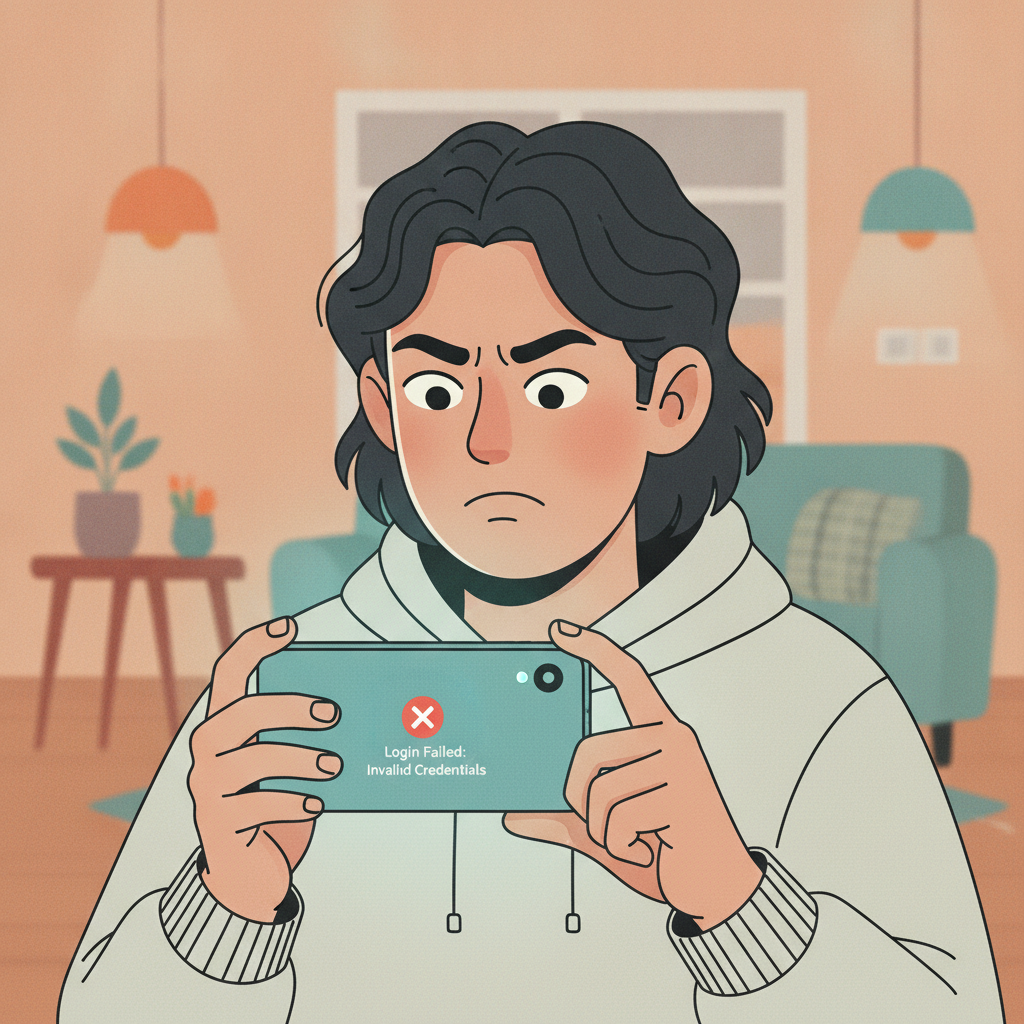
Players trying to access Power Win in the Philippines sometimes hit login errors on their Android device or mobile browser. Whether the platform won't accept your password, the app keeps crashing at the sign-in screen, or the mobile site rejects your credentials, most issues have quick fixes you can try before contacting support.
This guide walks through the most common Power Win login problems and practical steps to get back into your account—from password lockouts and app cache issues to browser cookie blocks and account recovery.
'Incorrect Password' and Account Lockout Troubleshooting
Check Caps Lock and Keyboard Language
Filipino players switching between English and Tagalog keyboards sometimes type passwords with the wrong character set active. Before assuming you've forgotten your password, triple-check that:
- Caps Lock is off (passwords are case-sensitive)
- Your keyboard is set to English if your password uses only English characters
- Auto-correct hasn't changed a character
- Spaces haven't been added at the start or end
Account Lockout After Multiple Failed Attempts
Power Win temporarily locks accounts after several incorrect password entries in a short window—usually three to five failed attempts. This is a security measure to protect your PHP balance and personal details.
If you see a message about your account being locked or temporarily suspended, wait 15–30 minutes before trying again. The lockout typically expires automatically. Do not keep trying different passwords during this window; it may extend the lockout period.
Double-Check Your Username or Mobile Number
Power Win login can use either a username or the mobile number registered to your account. If you normally log in with your phone number, make sure you're entering it in the correct format—usually 11 digits starting with 09, without spaces or the +63 prefix. If you're using a username, confirm you're spelling it exactly as you did during registration.
Clearing App Cache and Reinstalling the Power Win APK
Why App Cache Causes Login Loops or Errors
The Power Win Android app stores temporary data—login tokens, session files, images—to load faster. Over time, corrupted or outdated cache files can prevent the app from completing the sign-in process. Symptoms include:
- The app returning to the login screen after you tap "Log In"
- A loading spinner that never finishes
- Error messages like "Session expired" or "Unable to authenticate"
Clear Cache Without Losing Your Login Details
On most Android phones:
- Go to Settings > Apps (or Application Manager)
- Find and tap Power Win in the app list
- Tap Storage or Storage & cache
- Tap Clear cache (do not tap "Clear data" yet—that will erase saved login info)
- Restart your phone
- Open Power Win and try logging in again
Clearing cache removes temporary files but keeps your username saved in the login form (if you had selected "Remember me").
Reinstall the APK if Cache Clearing Doesn't Work
If clearing cache doesn't resolve the problem, a full reinstall often does:
- Go to Settings > Apps > Power Win > Uninstall
- Visit the official Power Win site on your Android browser (never download APK files from third-party sites)
- Download the latest APK
- Tap the downloaded file and tap Install (you may need to allow installation from unknown sources in your settings)
- Open the freshly installed app and log in
Reinstalling gives you the latest version and clears out any corrupted files the cache-clear didn't touch.
Mobile Browser Login Issues (Cookies, Outdated Browser)
Cookies and Site Data Blocks
If you're logging in through Chrome, Firefox, or another mobile browser instead of the app, your browser's cookie settings can block Power Win from saving your session. Without cookies, the site can't keep you logged in or may refuse your credentials entirely.
To fix cookie blocks on Android Chrome:
- Open Chrome and tap the three dots (⋮) in the top-right
- Tap Settings > Site settings > Cookies
- Make sure "Cookies" is toggled on, or add an exception for the Power Win domain
- Go back and tap Site settings > JavaScript and confirm it's enabled
- Close Chrome completely (swipe it away from Recent Apps), then reopen and try logging in
Outdated Browser Version
An outdated browser may not support the scripts Power Win uses for login verification. If you haven't updated Chrome or your default Android browser in months:
- Open the Google Play Store
- Tap your profile icon in the top-right
- Tap Manage apps & device > Updates available
- Update Chrome (or your preferred browser)
- Restart your phone and try the Power Win mobile site again
Private or Incognito Mode Interference
Some players use incognito mode thinking it's more secure, but private browsing blocks cookies by default. If you're in an incognito tab, switch to a normal browser tab or use the Power Win Android app instead.
How to Reset Your Password or Recover Your Username
Password Reset via Mobile Number or Email
If you're certain you've forgotten your password—or if you suspect someone changed it—use Power Win's password-reset flow:
- On the login screen (app or mobile site), tap Forgot Password? or Reset Password
- Enter the mobile number or email address linked to your account
- Tap Send Code or Submit
- Check your SMS inbox or email for a verification code (it usually arrives within 1–3 minutes)
- Enter the code on the reset page
- Create a new password (mix of letters, numbers, and symbols; at least 8 characters)
- Confirm the new password and tap Save or Submit
- Return to the login screen and sign in with your new password
If the code doesn't arrive within five minutes, check your spam or junk folder (for email) or confirm your phone has signal (for SMS). You can usually request a new code after a short wait.
What to Do If You've Forgotten Your Username
If you've always logged in using your mobile number, you don't need your username—just enter your phone number and password. If Power Win requires a username and you can't remember it:
- Check any confirmation or welcome email Power Win sent when you registered; it often includes your username.
- Look for past GCash or Maya transaction receipts that show the account name or username.
- Contact Power Win support through live chat or the email listed on their site. Have your registered mobile number, email, and a recent deposit or withdrawal transaction ID ready to verify your identity.
Account Recovery Takes Time
Support may ask for a photo of your valid ID and a selfie to confirm you're the account owner. This process can take 24–48 hours. Be patient and do not create a duplicate account—that can complicate recovery and may violate Power Win's terms.
Responsible Gambling Reminder (21+ Only)
Power Win is available only to players aged 21 and over in the Philippines. If login problems are causing frustration, take a break. Never chase losses by depositing more than you planned, and remember that all casino games and sports bets carry risk—no outcome is guaranteed.
If you or someone you know is struggling to control gambling, free confidential support is available. Set deposit limits, take time-outs, or self-exclude through your Power Win account settings or by contacting customer support.
Most Power Win login issues—whether on the Android app or mobile browser—can be resolved by clearing cache, updating software, checking password details, or using the password-reset tool. If you've tried every step in this guide and still can't sign in, reach out to Power Win's support team with your registered mobile number and a description of the exact error message you're seeing. They can check for account flags, technical outages, or verification holds that require manual review.