Power Win Withdrawal Failed: Why Your Cashout Was Declined and How to Fix It
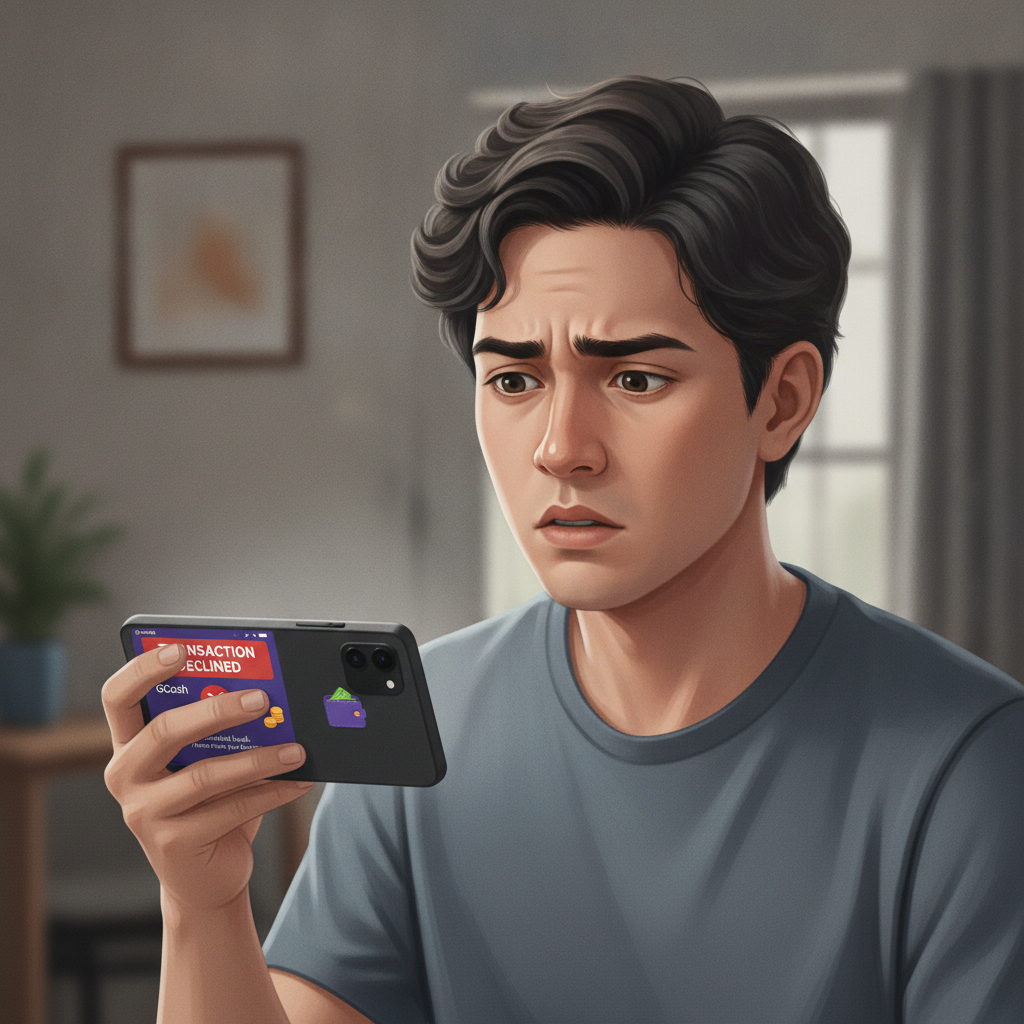
Why Power Win Withdrawals Fail
When a Power Win withdrawal gets declined, the platform typically sends an error message or marks the transaction as "failed" in your account history. Understanding the most common reasons behind these rejections helps you fix the issue quickly and get your pesos moving.
Incomplete or Expired Verification
Power Win requires players to verify their identity before processing cashouts. If your account verification is incomplete, pending, or has expired, the system will automatically decline withdrawal requests.
Verification usually involves uploading a valid government ID (such as a Philippine passport, driver's license, or UMID) and sometimes a selfie or proof of address. If you submitted documents weeks or months ago but never completed the process, or if your ID has since expired, Power Win will block withdrawals until you resubmit current documentation.
Mismatched E-Wallet or Bank Account Name
One of the most frequent reasons for Power Win withdrawal failures is a name mismatch between your casino account and your GCash, Maya, or bank account.
If your Power Win account is registered under "Juan A. Cruz" but your GCash is under "Juan Cruz" or a nickname, the platform will reject the transaction. Philippine e-wallet providers and banks enforce strict anti-money-laundering rules, so the names must match exactly—including middle initials, suffixes, and spelling.
This also applies to bank transfers via InstaPay or PESONet. The account holder name on your withdrawal method must be identical to the name verified on your Power Win profile.
Insufficient Balance After Fees
Power Win may charge processing fees on certain withdrawal methods, and third-party providers like GCash or banks sometimes deduct their own charges. If your account balance does not cover both the withdrawal amount and all applicable fees, the cashout will fail.
For example, if you request a PHP 500 withdrawal but Power Win deducts a PHP 15 fee and your balance is exactly PHP 500, the transaction cannot proceed. Always check the fee structure in your account dashboard or the withdrawal confirmation screen before submitting a request.
Active Bonus Wagering Requirements
If you have an active bonus or promotion with unmet wagering requirements, Power Win may restrict withdrawals until you complete the rollover or forfeit the bonus.
Even if the bonus terms allow partial cashouts, attempting to withdraw while conditions are still active can trigger a decline. Check your bonus progress in the promotions or account section to confirm whether you have any pending requirements.
Exceeding Daily or Monthly Withdrawal Limits
Power Win sets limits on how much you can withdraw per day, per week, or per month. If you recently cashed out and are trying to withdraw again within the same limit window, the new request may be declined.
VIP or higher-tier players sometimes enjoy raised limits, but standard accounts typically face caps. Review the limits listed in your account settings or the cashout page to ensure you are within the allowed range.
Technical or Payment Provider Issues
Occasionally, a withdrawal fails due to temporary technical problems on Power Win's side or with GCash, Maya, InstaPay, or PESONet. Scheduled maintenance, network outages, or provider-side errors can all interrupt transactions.
If you receive a generic error message and none of the above reasons apply, the issue may be temporary. Wait an hour or two and try resubmitting the cashout.
How to Check Your Account Verification Status
Before resubmitting a failed withdrawal, confirm that your Power Win account is fully verified.
Log in to your Power Win account on your Android device or browser and navigate to the account or profile section—often labeled "My Account," "Settings," or "Verification." Look for a verification status indicator. Common labels include "Verified," "Pending," "Incomplete," or "Action Required."
If the status shows "Pending," Power Win is still reviewing your documents. This process usually takes 24 to 72 hours, though it can be longer during peak periods or holidays.
If it says "Incomplete" or "Action Required," you need to upload missing documents or resubmit files that were rejected. The platform typically provides specific instructions or error messages explaining what is needed—for example, "ID photo is blurry" or "Selfie does not match ID."
If your verification was completed months ago, check whether your government ID is still valid. Expired IDs may require you to upload a new, current document.
Some Power Win players also need to verify their e-wallet or bank account by uploading a screenshot showing the account holder name. This is common when a name mismatch is flagged. The screenshot should clearly display your full name and account details, matching the information on your Power Win profile.
Re-Submitting a Cashout Request After Fixing Errors
Once you have resolved the issue that caused the failed withdrawal, you can submit a new cashout request.
Update Your Verification Documents
If incomplete or expired verification was the problem, upload the required documents through the verification section of your account. Wait for Power Win to confirm approval—you should receive an email or in-app notification once the review is complete.
Do not attempt to withdraw again until your status changes to "Verified." Repeated failed requests can sometimes flag your account for additional review, delaying the process further.
Correct Name Mismatches
If the decline was due to a name mismatch, you have two options: update the name on your Power Win account to match your e-wallet or bank, or change the name on your withdrawal method to match your casino profile.
Most players find it easier to ensure their Power Win account uses the exact legal name on their GCash, Maya, or bank account. Contact Power Win customer support if you need to update your registered name—this usually requires uploading a government ID to confirm the change.
If your e-wallet account name is a nickname or abbreviation, consider updating it through GCash or Maya's app settings to reflect your full legal name. Some e-wallet providers allow name corrections directly in the app, while others require contacting support.
Adjust Withdrawal Amount for Fees
If insufficient balance was the issue, recalculate your withdrawal amount to account for fees. For example, if you want to cash out PHP 500 and the fee is PHP 15, ensure your Power Win balance is at least PHP 515.
Alternatively, reduce your withdrawal amount to fit within your available balance after fees. The withdrawal page should display the final amount you will receive and any charges before you confirm.
Complete or Forfeit Bonus Requirements
If an active bonus is blocking your cashout, you can either continue playing to meet the wagering requirements or forfeit the bonus to unlock withdrawals.
Forfeiting usually involves navigating to the promotions or bonus section and selecting "Cancel" or "Forfeit" next to the active offer. Be aware that forfeiting will also remove any bonus funds or free spins associated with that promotion.
Respect Withdrawal Limits
If you have hit a daily or weekly limit, wait until the limit period resets. Power Win typically resets daily limits at midnight Philippine time, though weekly or monthly cycles vary.
Check the cashout page for the exact reset time and the remaining allowance under your current limits.
Submit the New Request
Return to the withdrawal or cashout section of your Power Win account, select your preferred method (GCash, Maya, InstaPay, or PESONet), enter the amount, and confirm. Double-check that all details—especially the account name and number—are correct before submitting.
After submission, Power Win will process the request. GCash and Maya withdrawals often arrive within a few hours, while InstaPay bank transfers usually take one business day and PESONet can take one to three business days. If the cashout is approved but has not arrived within the expected Power Win withdrawal time, check your e-wallet or bank app for pending transactions or contact the payment provider.
When to Contact Power Win Customer Support
If you have verified your account, corrected name mismatches, adjusted your withdrawal amount, and cleared any active bonuses—but your cashout still fails—it is time to reach out to Power Win customer support.
Contact support if:
- Your withdrawal is declined repeatedly with no clear error message.
- Your verification status remains "Pending" for more than 72 hours without feedback.
- You receive a technical error code or message you do not understand.
- A previously successful withdrawal method suddenly fails.
- Your account is locked or restricted after a failed cashout attempt.
Power Win typically offers support through live chat, email, or a help center accessible from the mobile app or website. When you contact them, provide your account username or registered email, the date and time of the failed withdrawal, the method you used (GCash, Maya, InstaPay, or PESONet), and any error messages you received.
Screenshots of the failed transaction and your verification status can help the support team resolve the issue faster. Keep records of all communication in case you need to follow up.
Most support inquiries related to Power Win withdrawal problems are resolved within 24 to 48 hours, though complex verification or technical issues may take longer.
Play Responsibly
Power Win is for players aged 21 and over only. Withdrawals and cashouts are part of managing your bankroll responsibly. If you find yourself frequently redepositing withdrawn funds or chasing losses, consider setting deposit limits or taking a break. Gambling should be entertainment, not a way to solve financial problems. If you or someone you know needs help, reach out to a local support service.